Rebuilt Home Screen IA
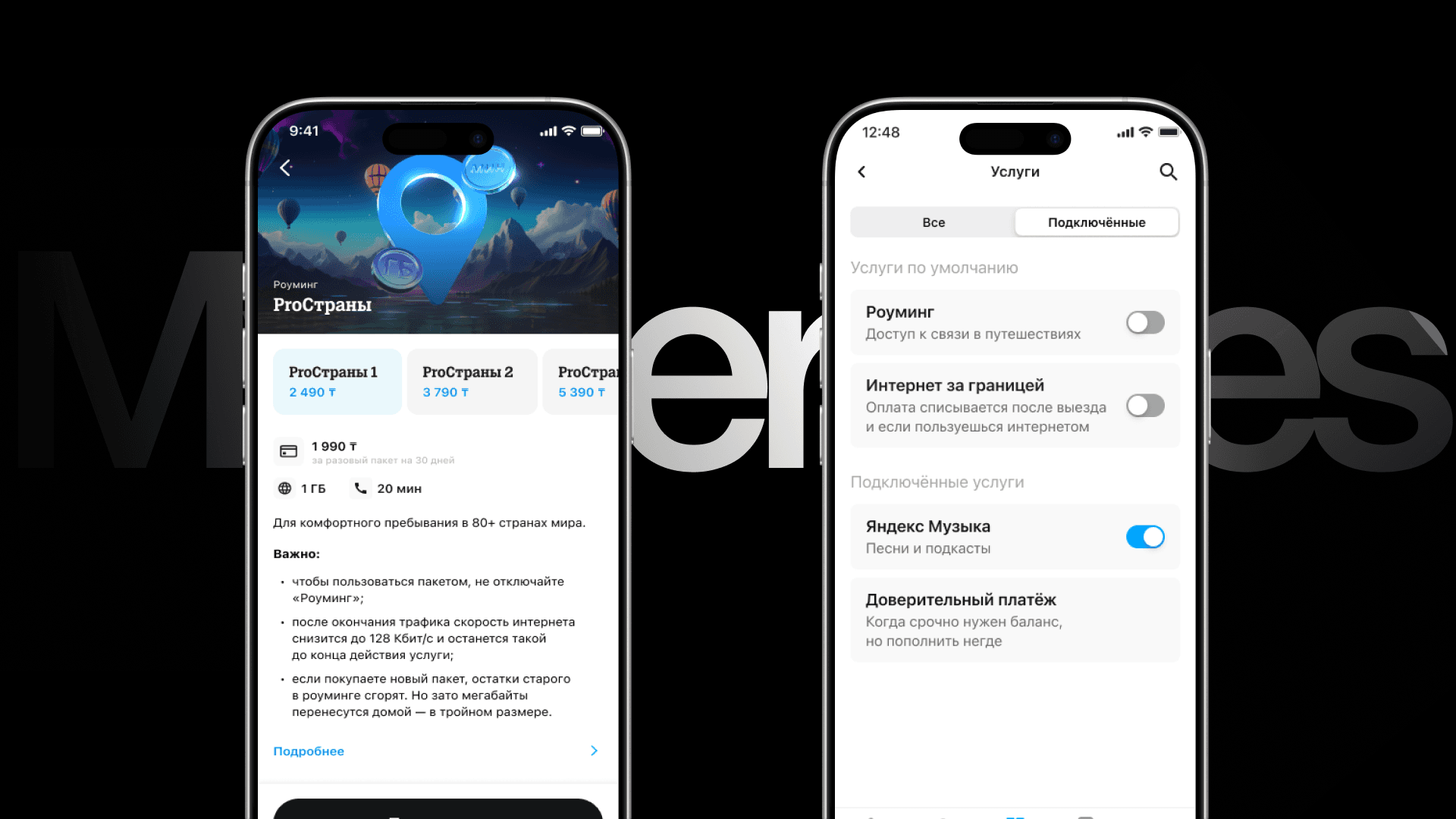
The home screen had turned into an information dump — every team added their block. We rebuilt the hierarchy, ran a card sort with 250 participants, validated the prototype with First Click testing, and reorganised 69 objects into a new IA built for Super App scale.
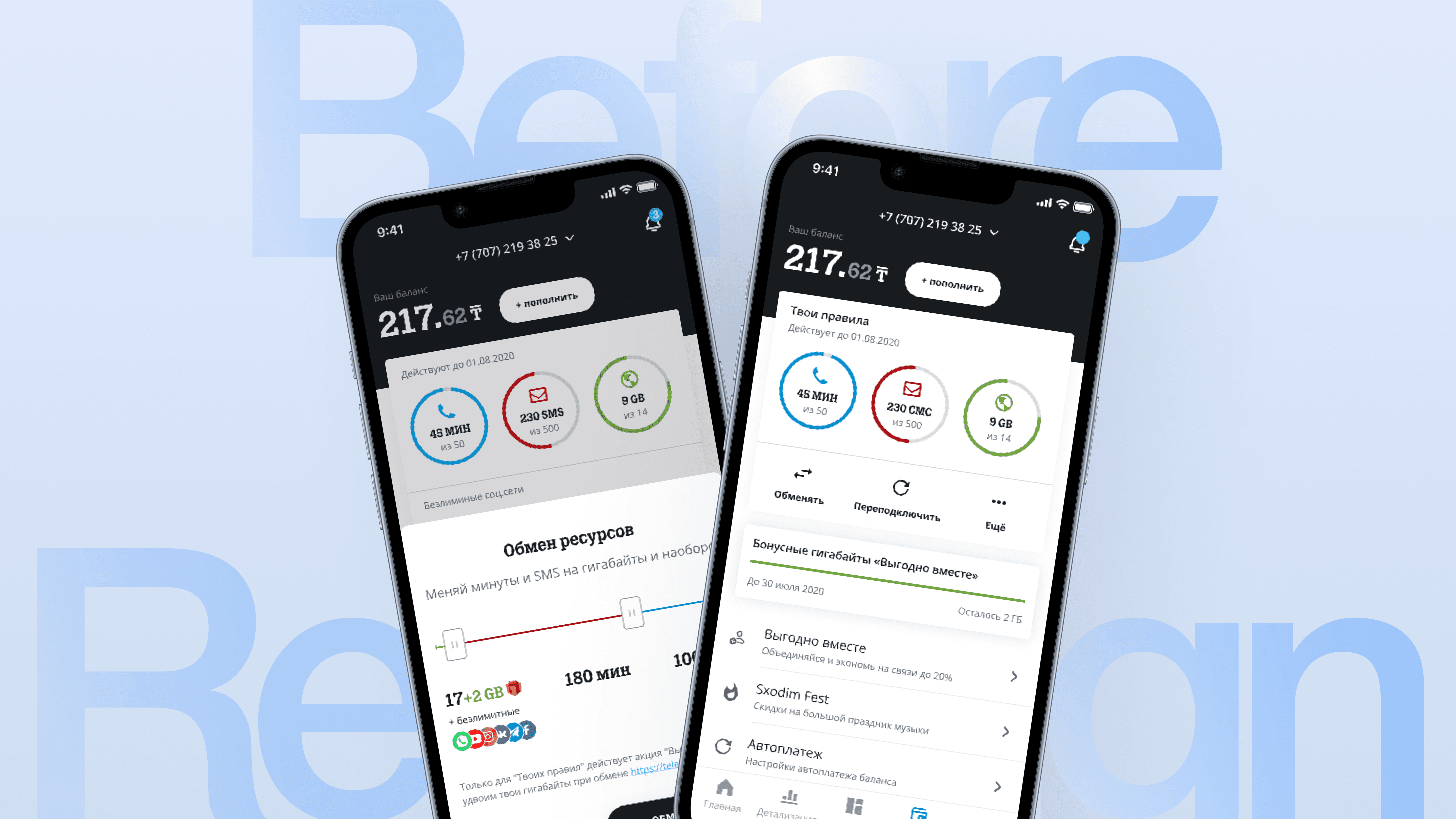
Problems
Every product team competes to place their feature on the home screen — the result is visual noise. Users struggle to decide on a new service because there's too much happening at once. The interface has no priority system and doesn't support key user scenarios.

Research
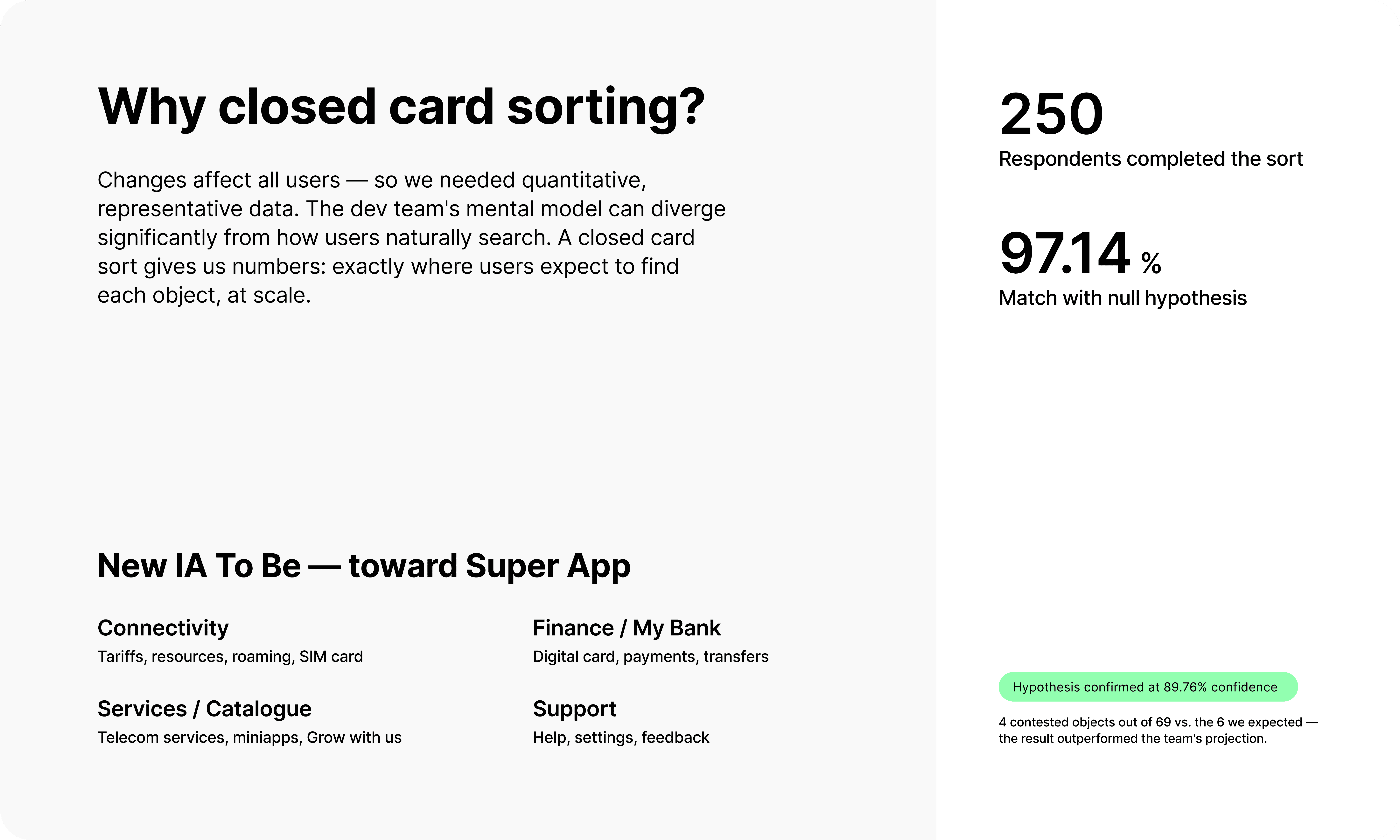
Step 1 — Closed card sort Tele2 KZ had outgrown its "telecom-only" app: Digital Card, a "For Me" section, and many non-telecom services had been added. All of this lived in an architecture designed for a simpler product. We needed to restructure — to make the user journey intuitive and give the business room to surface the right offers in the right places.
Step 2 — Prototype testing: First Click
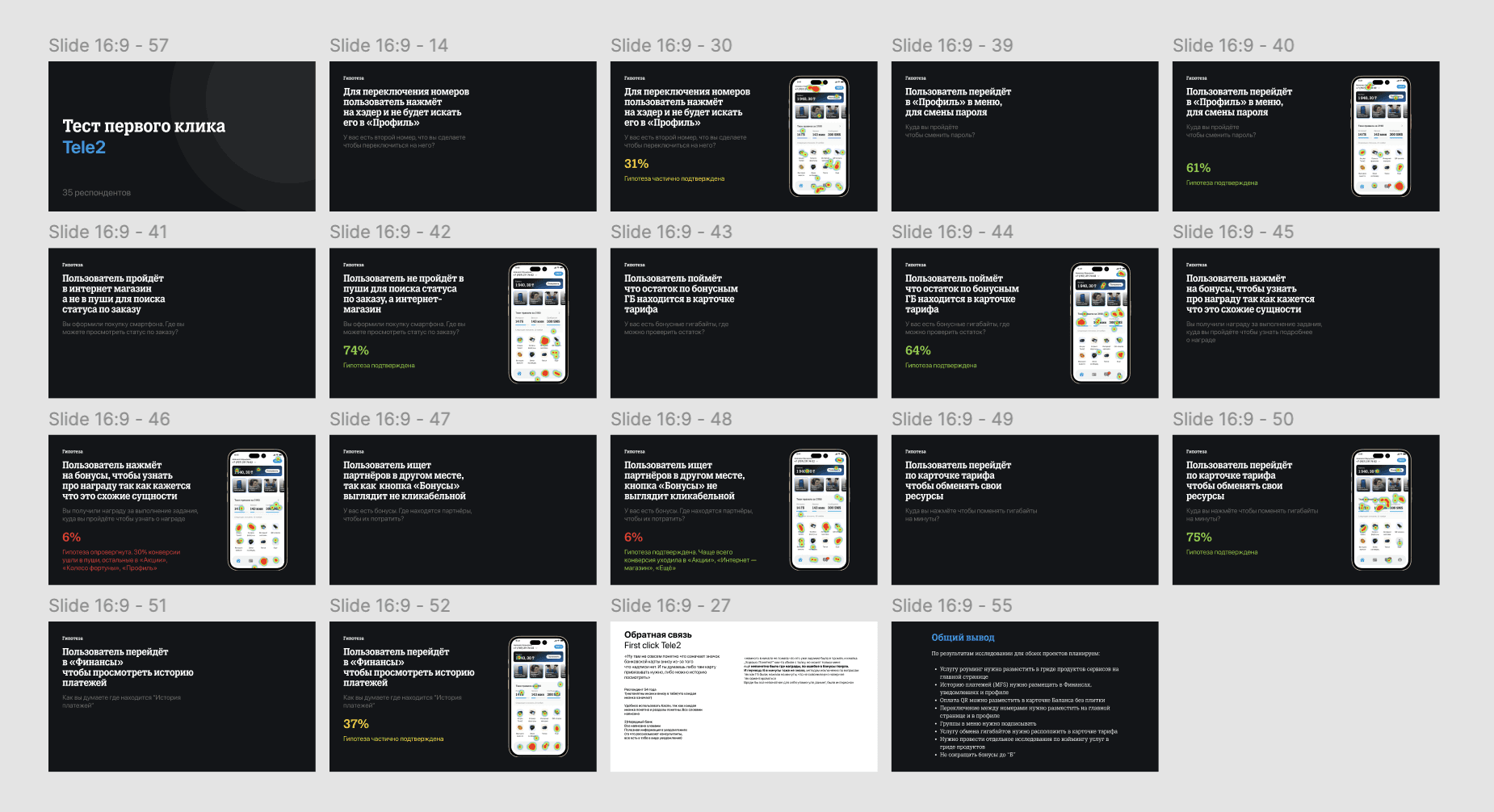
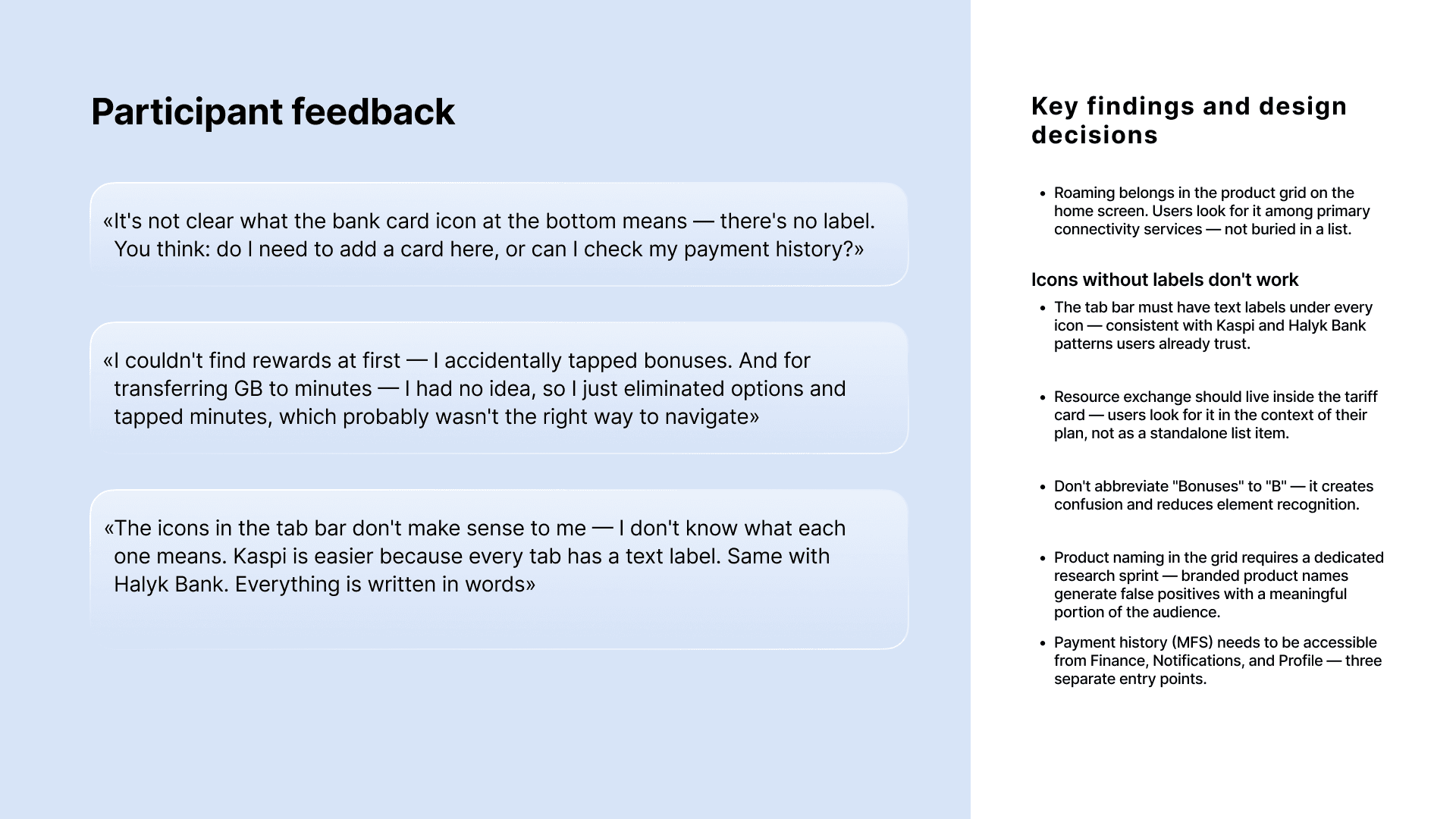
With the new IA established, we tested the prototype using First Click — to verify that users could find key elements on their first tap. The test surfaced specific gaps between our design logic and actual user expectations.
The Result
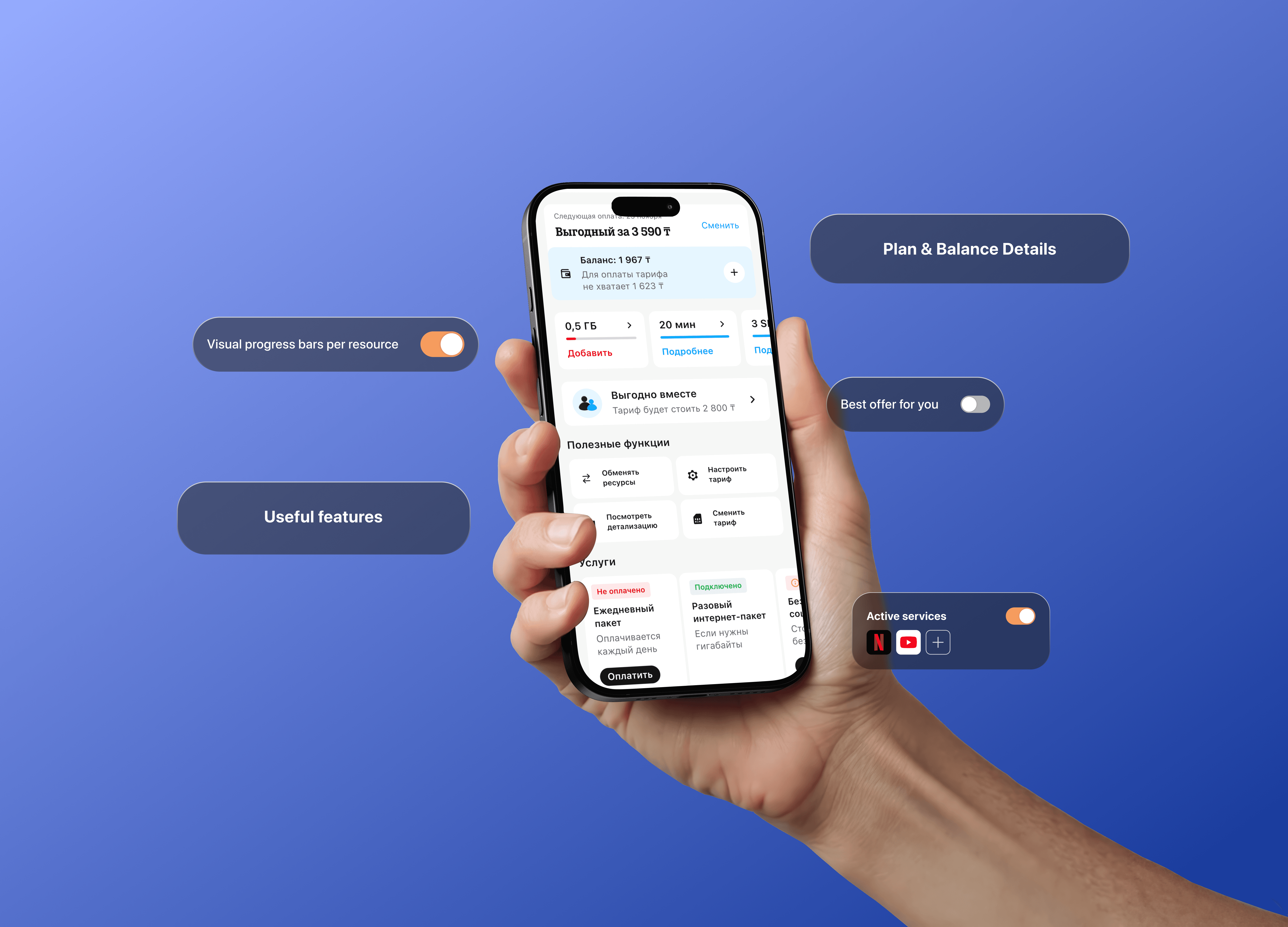
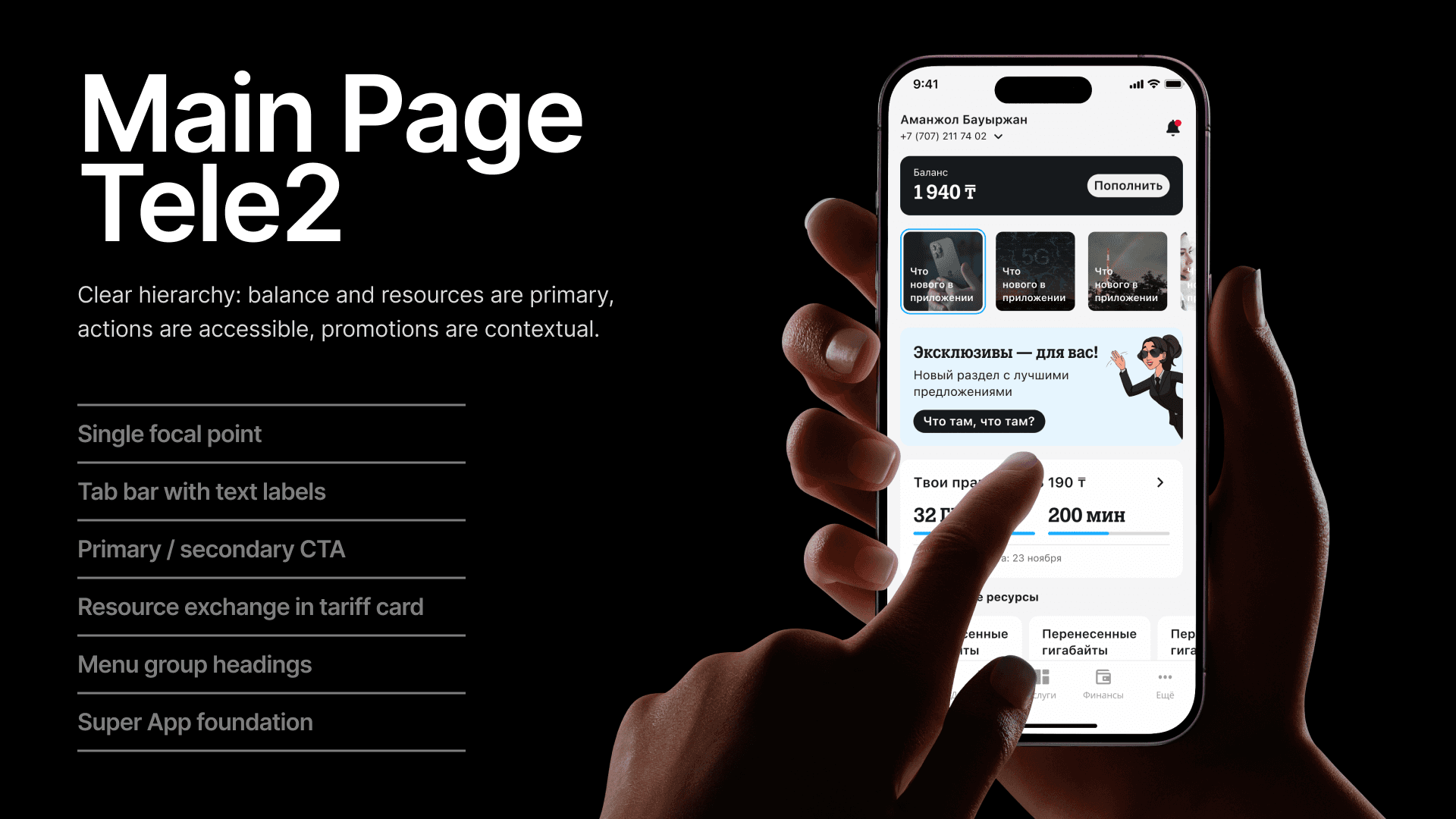
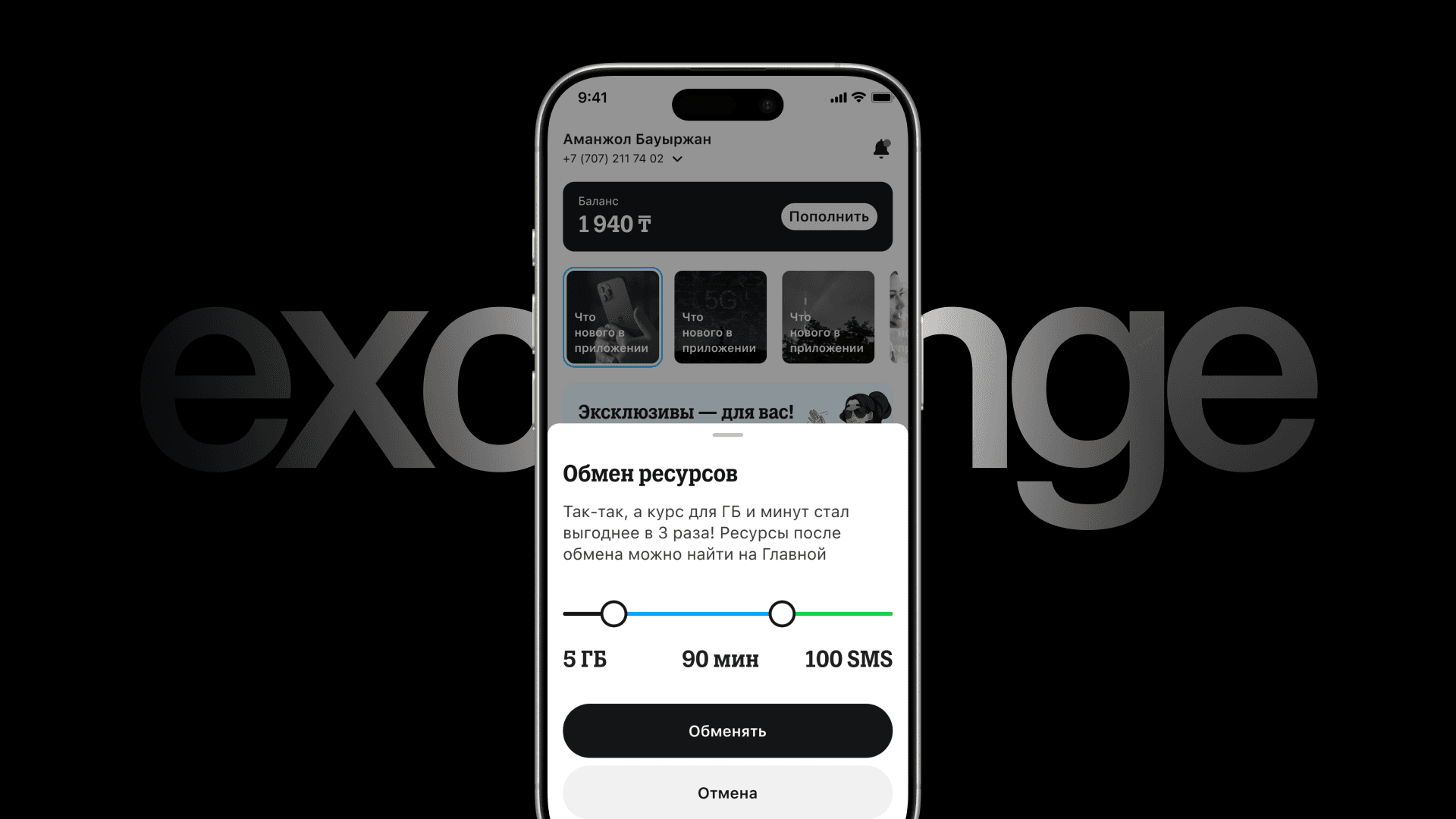
Clear hierarchy: balance and resources are primary, actions are accessible, promotions are contextual. Tab bar with text labels. Resource status readable in under a second.
Conclusion
Metrics measured 30 days after the new home screen went live: −46% Time to first action +2.8× CTA click-through +31% Task completion rate Support contacts related to "can't find" dropped 22% in the first month.